Known adult sites
A built-in list of adult websites is blocked from the first minute, with nothing to set up.
Safe View blocks adult sites on your computer and iPhone, then helps you ride out the urge with a timer, a slow breath and your own reasons. Free, private, no account.
For Chrome on Windows, Mac or Chromebook, and for iPhone
Rated 5.0 out of 5 from 3 ratings · 1,000 users on the Chrome Web Store
Works in Chromium browsers
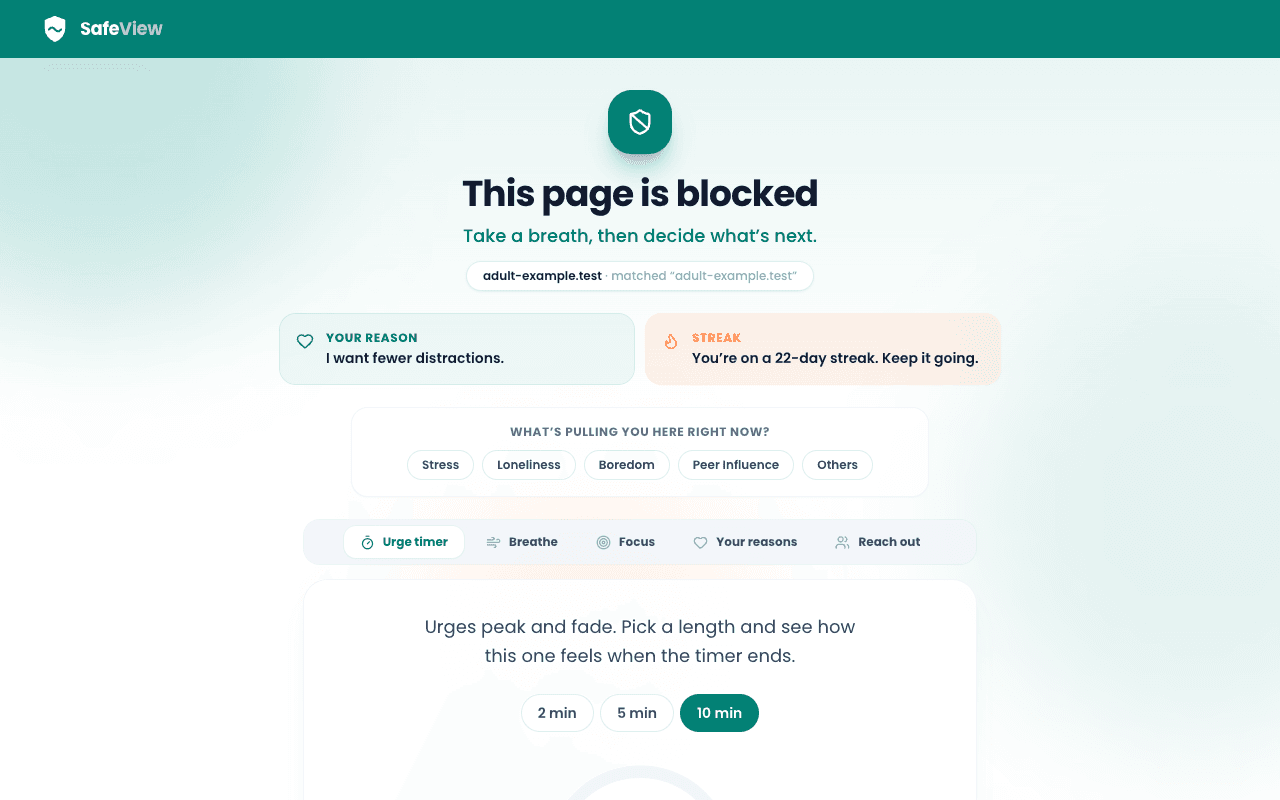
Adult sites are stopped before anything shows, in Chrome on your computer and across your iPhone.
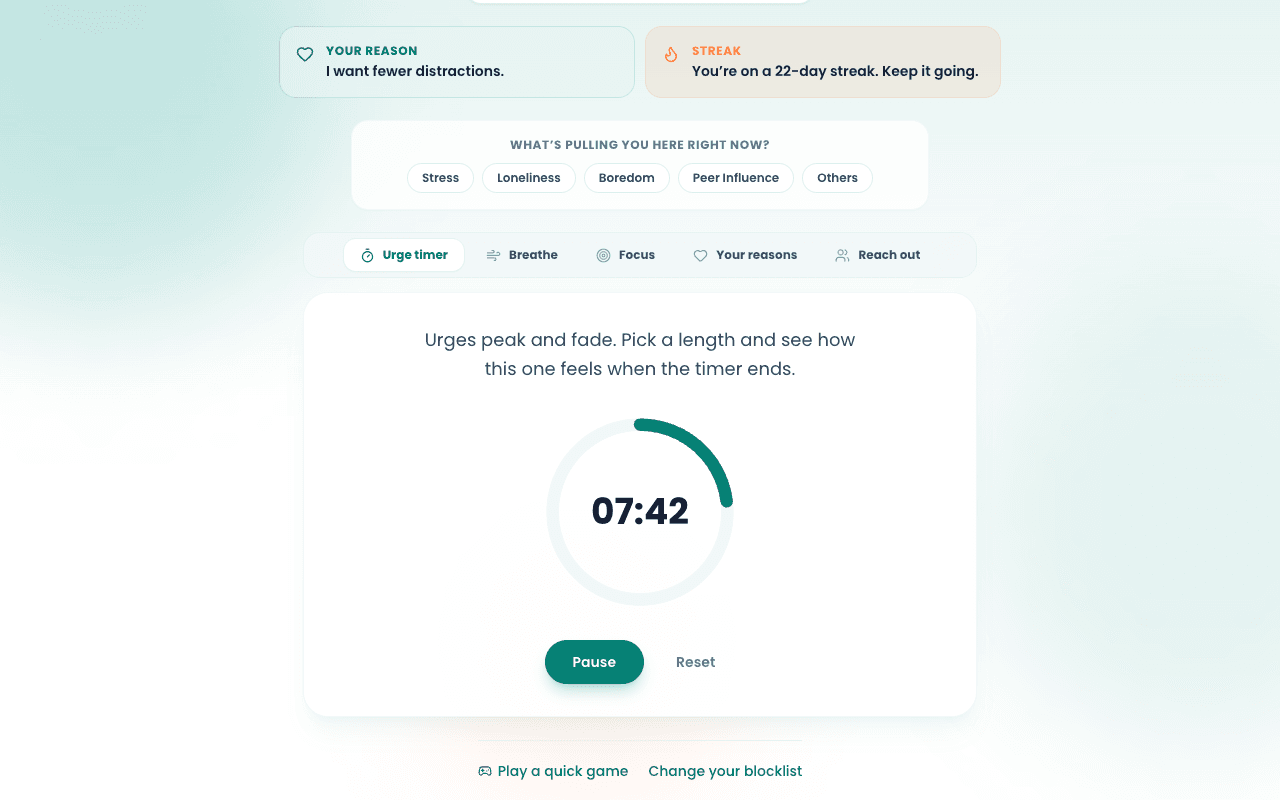
Instead of a dead end you get an urge timer, a guided breath, a check-in and the reasons you wrote down.
Your streak and milestones build day by day. After a slip you start again, and your best streak is kept.
Lists catch the sites everyone knows. Smarter checks catch the ones nobody has listed yet. All of it runs in your browser, and nothing you visit is sent anywhere.
A built-in list of adult websites is blocked from the first minute, with nothing to set up.
Sites with adult keywords in their name are stopped before the page loads. In a link or a search, the smart page check decides, so recovery communities and help articles stay open.
For pages that aren’t on any list, Safe View reads the title, description, headings and text. Words in the title count most, and one word alone won’t block, so news and health articles stay readable.
Many adult sites tag their own pages with an adult-content rating. Safe View reads that label and blocks the page.
On Google, Bing, DuckDuckGo and Yahoo, adult results and thumbnails are hidden, including ones that load as you scroll. Strict safe search stays on too.
Add any site or keyword to your blocklist. Anything on your whitelist always stays open.
No account, no trial and no limits on your lists. Here’s what you get on top of blocking.
Block social media, video, dating and video chat, gambling or games, all the time or at night (11 PM to 6 AM by default).
Add as many sites and keywords as you like to your blocklist and whitelist.
Show a message you write, or send blocked pages to a page you choose.
Need a blocked page for work? Open it for 5 minutes, up to 3 times a day, after a 30-second wait. Never adult sites.
Take a break from blocking that switches itself back on.
Recovery and health articles stay open, and “Not adult content?” lets you allow a page or a whole site.
Keeps checking on sites that change page without reloading, like Reddit, X and YouTube.
Clean-day streaks and charts, and a fresh start after a slip, without the guilt.
English, Spanish, Portuguese, French, German and Russian.
Blocked pages don't just stop you. They give you something to do next, one tap away.
Your dashboard shows how you're doing, where pressure builds, and when check-ins happen most.
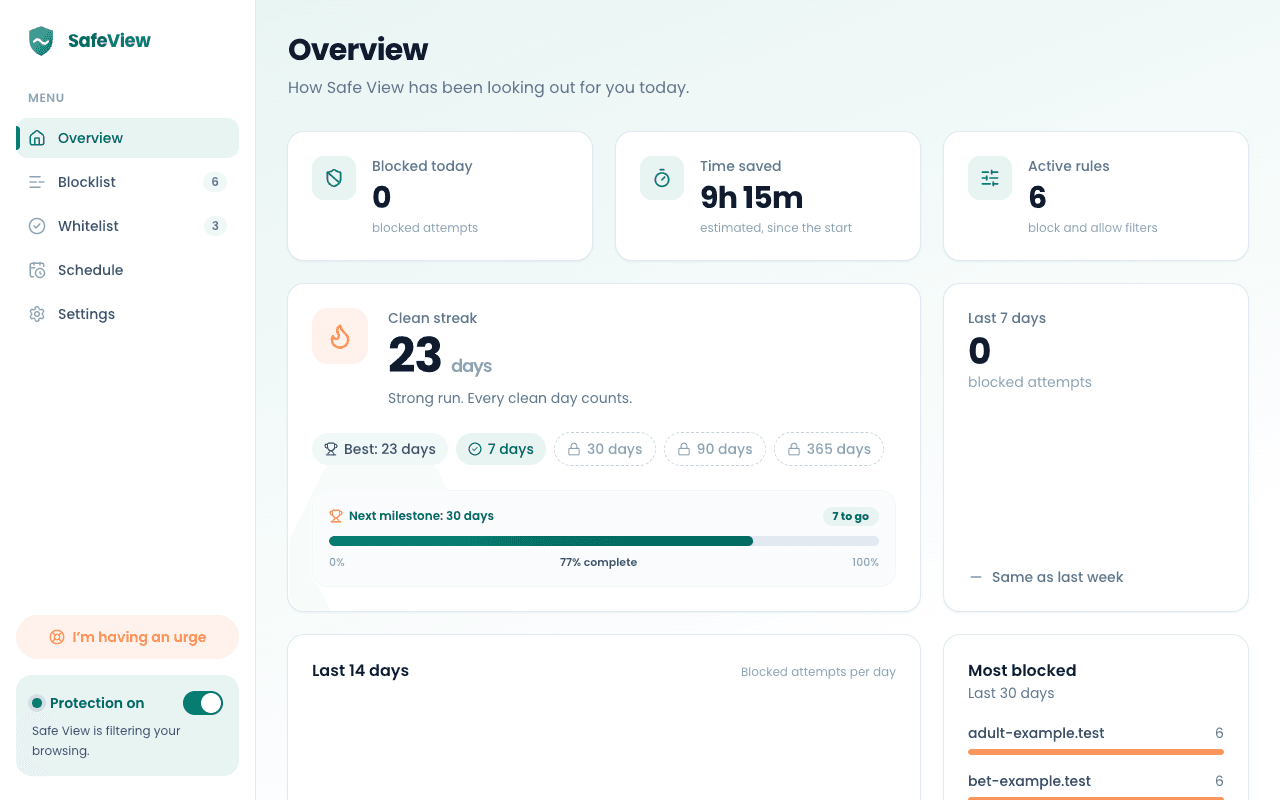
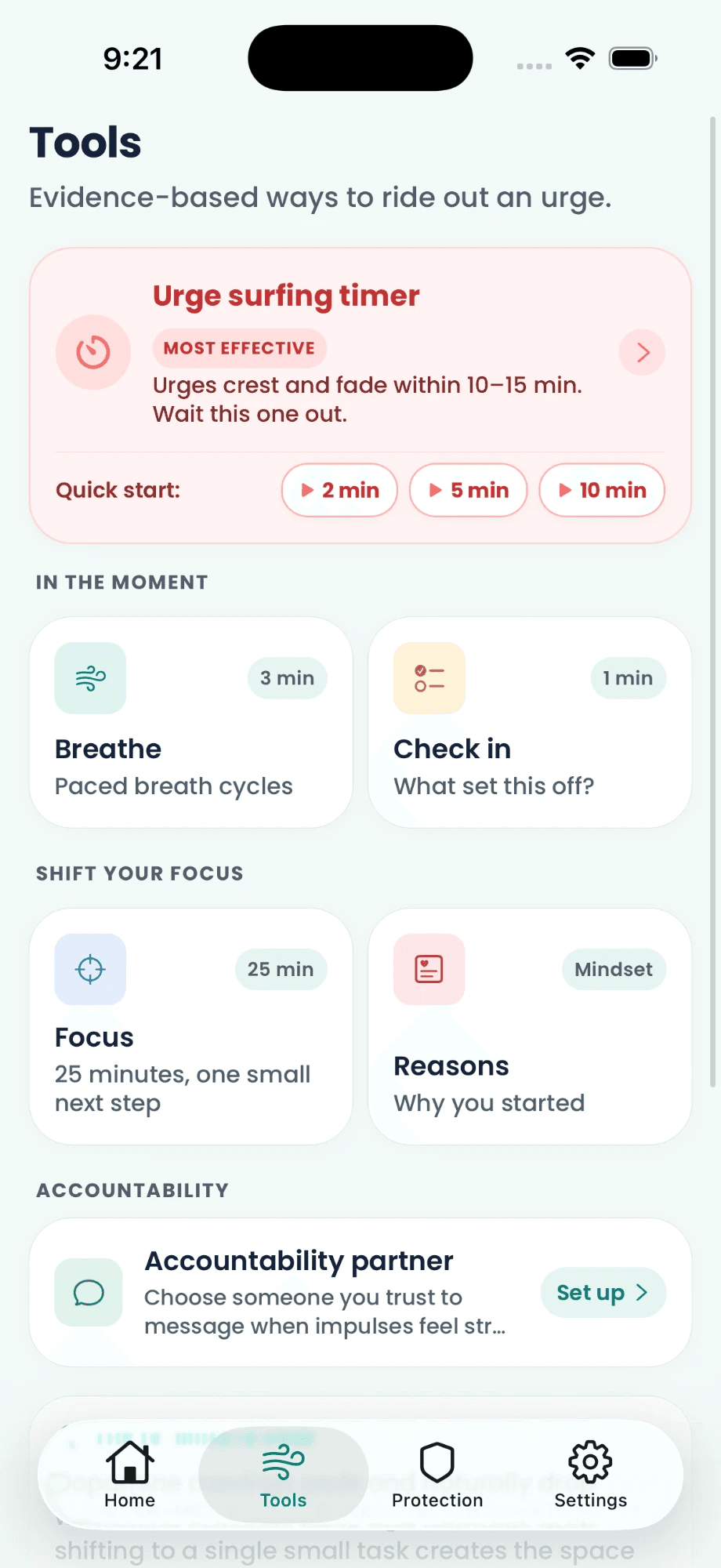
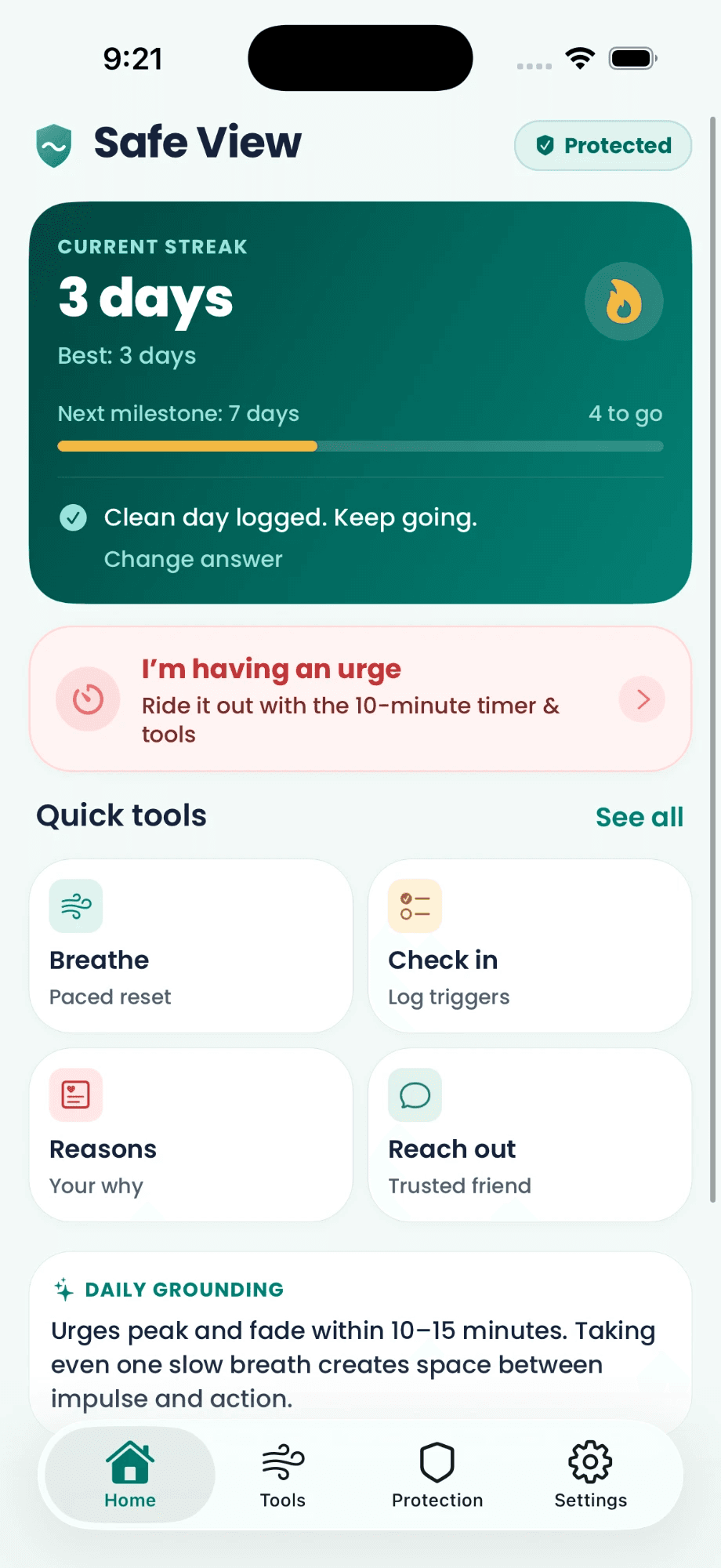
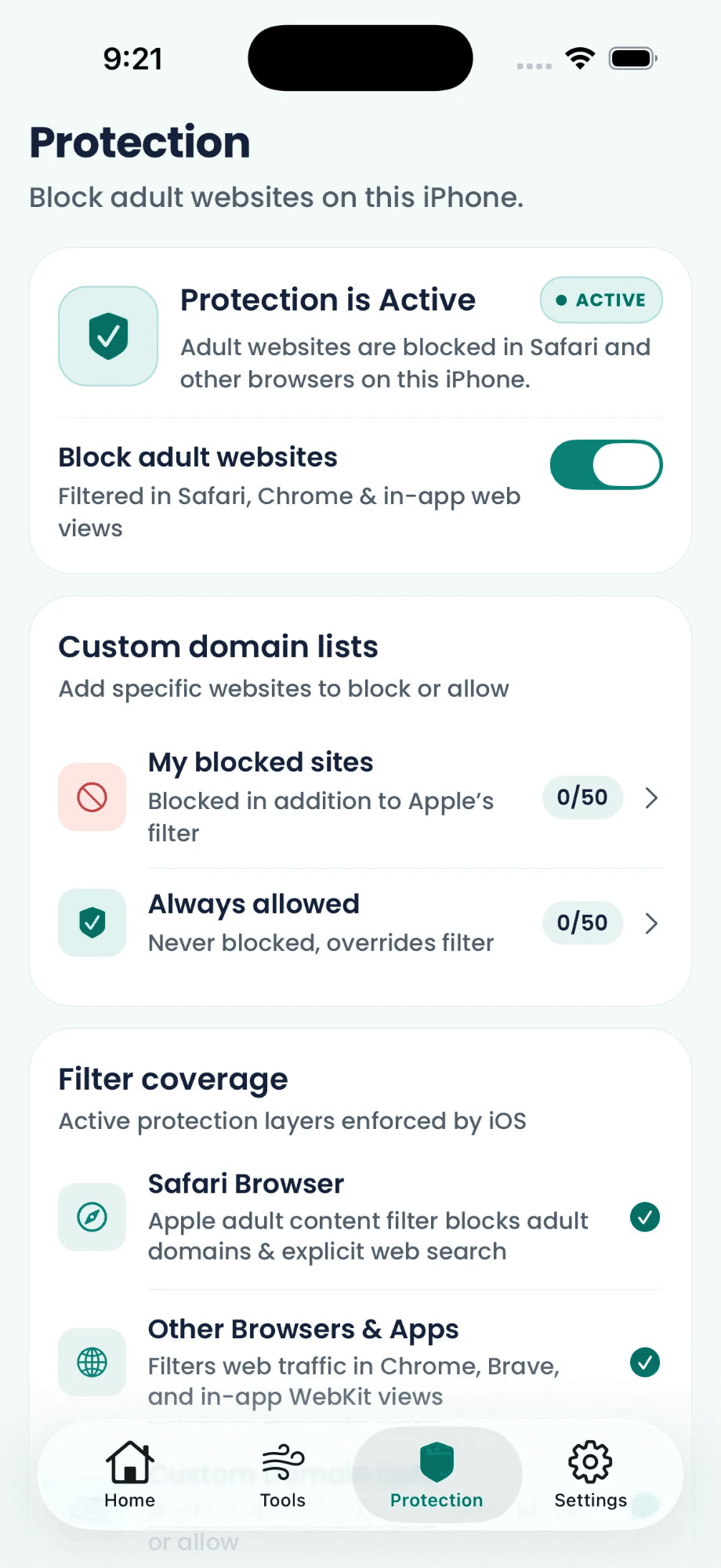
A free app that uses Apple’s Screen Time content filter to block adult websites across your iPhone: in Safari, other browsers and in-app web views.

Install, answer four questions, then pin Safe View to your toolbar so it's always one click away.
Click Add to Chrome on this page, then confirm Add extension. The setup screen opens on its own.
Tell Safe View why you're here and what usually pulls you in. Your answers personalise the blocked page, and they stay on your device.
Click the puzzle-piece icon in Chrome's toolbar, then the pin next to Safe View. You can block the current site in one click from there.
Open chrome://extensions, select Details under Safe View, then turn on Allow in Incognito.
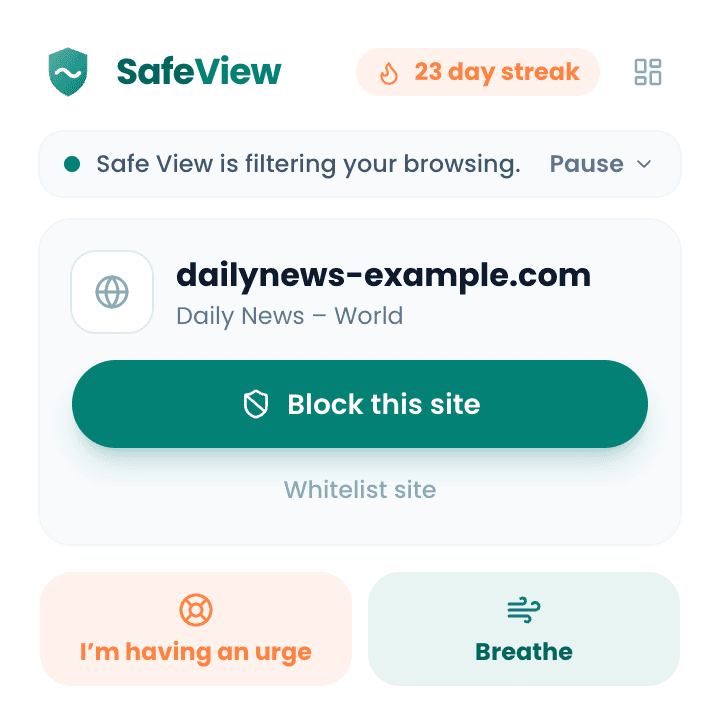
Safe View never sends the websites you visit, your keywords, your lists or anything you type.
Your history, lists and answers stay in your browser or on your iPhone, not on a server.
Which screens are used and coarse streak ranges help us improve Safe View. Nothing identifies you.
Usage counts are on by default. Switch them off at any time in Settings, and setup explains exactly what is sent.
Step-by-step blocking guides, honest advice on quitting, and tools for the moment an urge hits.
Four ways to block porn and adult sites in Google Chrome, from free settings you already have to a blocker that works before the page loads.
A simple, save-for-later plan for the moment an urge shows up: start a timer, change rooms, breathe, and decide only when the ten minutes are up.
A practical, judgement-free plan for cutting porn out of your life, built on changing your environment, knowing your triggers and having a plan for hard moments.
No. Safe View never sends the websites you visit, your keywords, your lists or anything you type. Your data stays in your browser.
Yes. Every feature is free: no account, no premium plan and no limits on your own lists.
The Chrome extension is for laptops and desktop computers: Windows, Mac, Linux or a Chromebook. To protect your phone, get Safe View for iPhone, a free app that blocks adult websites across your iPhone. There’s no Android app yet.
Yes. Turn on categories such as social media, video, dating and video chat, gambling or games, either all the time or on a schedule, like night mode from 11 PM to 6 AM.
Yes. Open the dashboard, go to Settings and switch analytics off. The setup screen explains exactly what is sent before you choose.
Add them to your whitelist. The whitelist always wins, so anything on it stays open even if it matches a block rule.
It’s designed not to. One adult word won’t block a page: Safe View weighs where words appear, and words in the title count most. If a page you need does get caught, add it to your whitelist and it stays open.
Safe View runs in split incognito mode, so you can allow it in incognito from Chrome's extensions page.
Yes. The Reach out tool gives you a ready-made message for a partner. You choose who to contact and send it yourself.
Set it up in two minutes. It’s free, it’s private, and there’s no account.
Safe View works in Chrome on a computer. Send yourself the link and add it there in a minute.
Email me the linkOpen the Chrome Web Store anyway